

Viewing discovered entities
Users with theView Entities permission can view discovered entities.
To access discovered entities:
- From the main sidebar, expand Catalogs, then select All entities.
-
Select the Discovered entities tab.
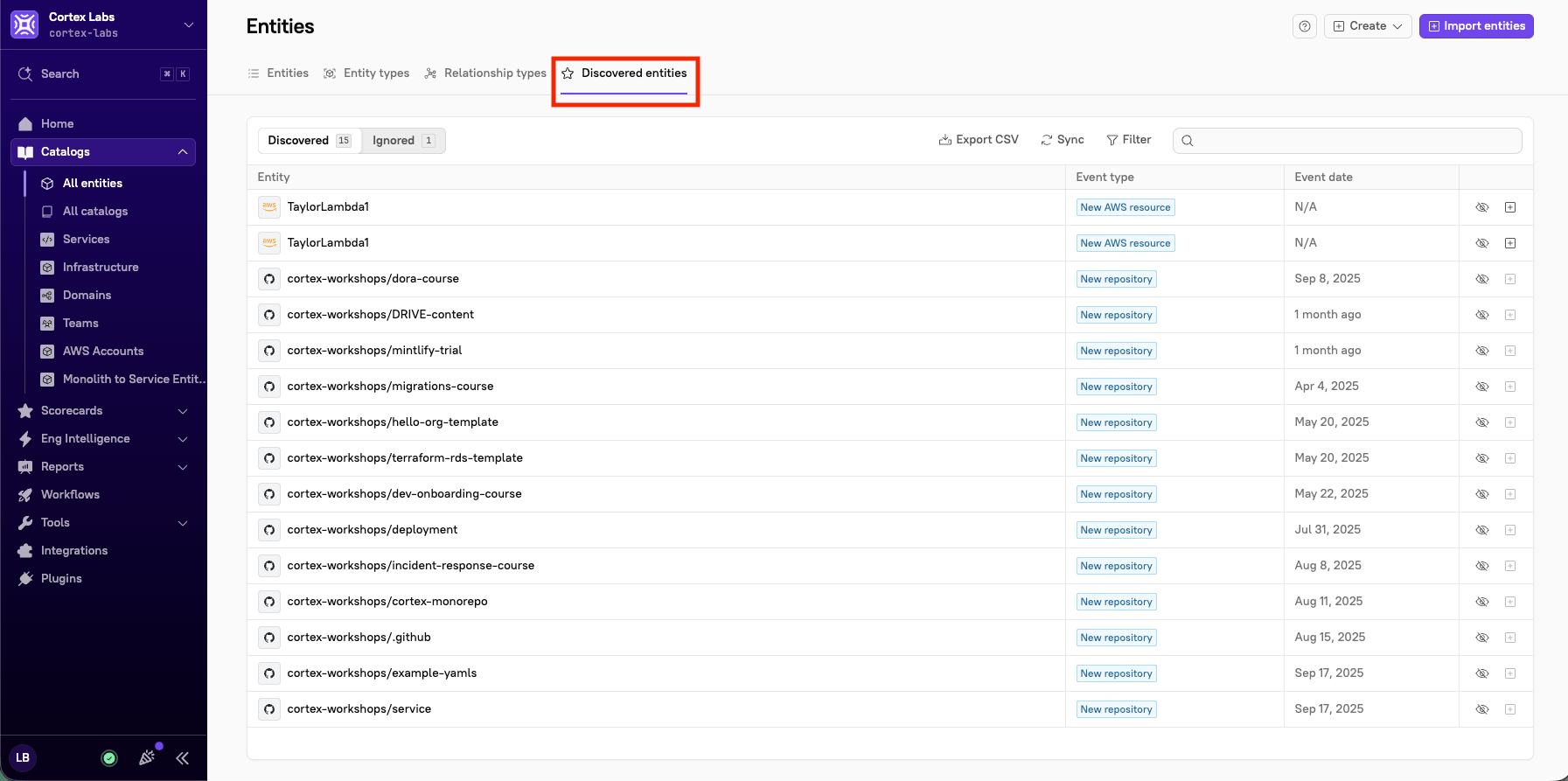
- Entity - The name of the discovered entity, prefixed with an icon for the integration it came from (e.g. GitHub or AWS).
- Event type - The kind of change Cortex detected, such as New repository or New AWS resource.
- Event date - When the change was detected. Some sources don’t report a timestamp, in which case this column shows N/A.
- Actions - The actions available for that event. The available actions depend on the event type: new resources can be imported or ignored, while resources that are no longer detected can be deleted or ignored. See Acting on discovered entities
Searching and filtering the discovered entities list
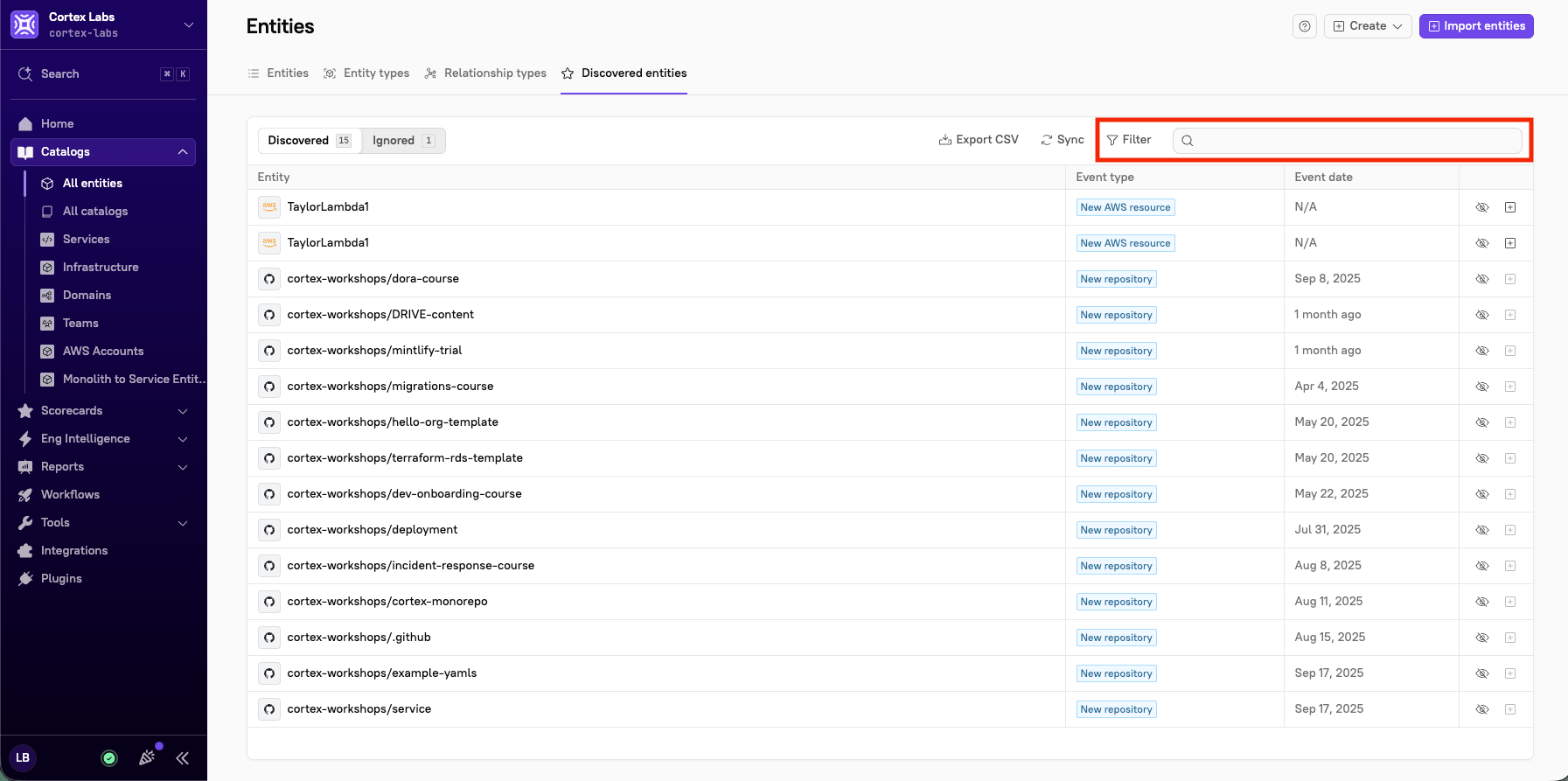
The first time you view the discovered entities list, there may be a lot to review. To narrow the scope and start with the changes that are highest priority for you, search or filter the list.- To search, type into the search bar in the upper-right corner of the list.
- To filter, click Filter in the upper-right corner of the list, then choose one or more of the following fields. Select your criteria, then click Apply. To clear everything and start over, click Reset filters.
- Integrations - Limit the list to events from specific integrations
- Types - Limit the list to specific event types
Refreshing and exporting the discovered entities list
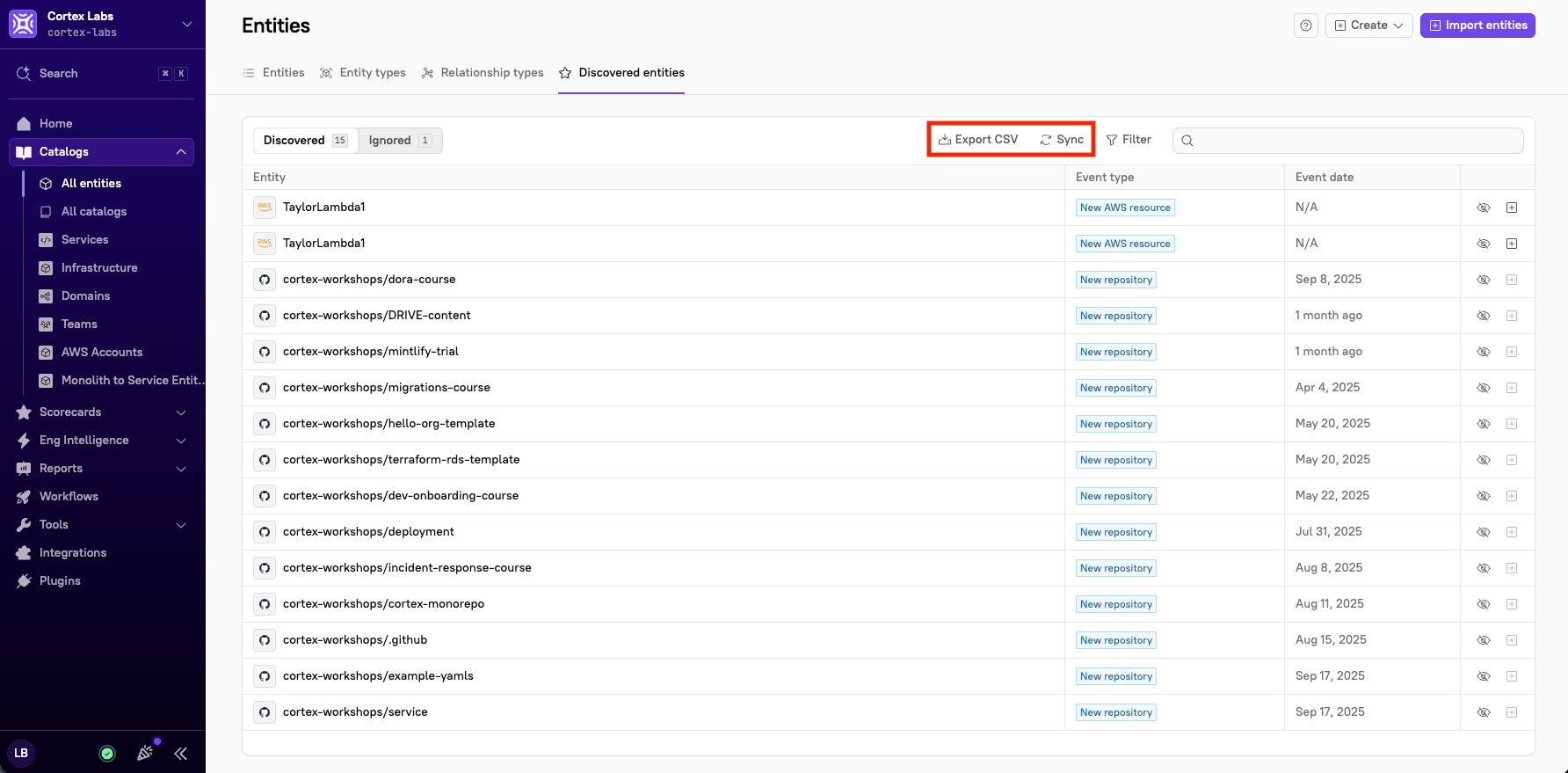
Two actions at the top of the list help you keep it current and share it:- Sync - Prompts Cortex to re-check your connected integrations for changes, refreshing the list with the latest discovered events.
- Export CSV - Downloads the current list as a CSV file, which is useful for reviewing discovered entities offline or sharing them with your team.
Acting on discovered entities
Admins can act on discovered entities, i.e. import, ignore, and delete.
Each event offers a set of actions in the Actions column, depending on its type. You can import a newly discovered entity into Cortex, delete an entity that Cortex no longer detects, or ignore any event so it no longer appears in the list.
Importing an entity
If Cortex detects a new resource that you want to track, you can import it directly from this page:-
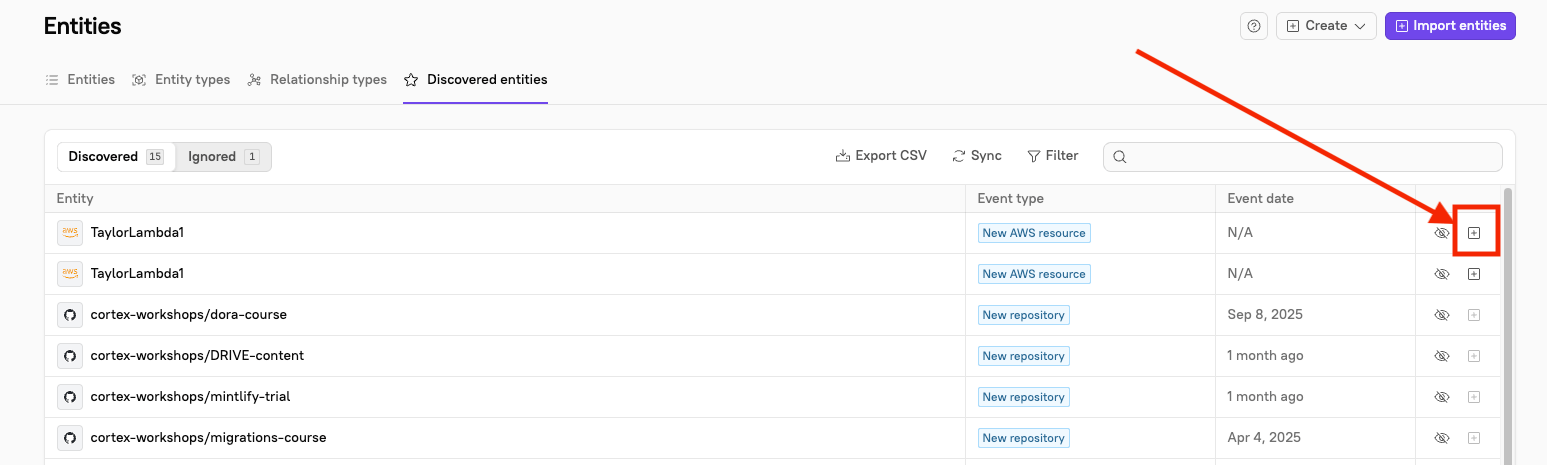
Click the import icon in the Actions column of the row containing the entity. The Import entities page opens.
- Cortex opens the entity creation flow, prefilled with details from the discovered source. Configure the remaining entity details. For detailed instructions on creating each type of entity, see the relevant docs page: Services, Domains, Teams, or Custom entities.
- Click Confirm import.
The import action isn’t available for every event type. Rows where direct import doesn’t apply show a disabled import icon.
Ignoring an event
If an event appears in the list but isn’t relevant, for example, a test repository that doesn’t need to be imported into Cortex, you can ignore it by clicking the eye icon in the Actions column of the row containing the event. The event moves to the Ignored view. Ignoring is persistent, so the event won’t reappear in the Discovered view. To move an event back, open the Ignored view and click the eye icon in that row. The event returns to the Discovered view.Deleting an entity that is no longer detected
When Cortex stops detecting an entity that already exists in your catalog, e.g. its cloud resource was torn down or its APM service stopped reporting, the event appears with a not detected type, such asAWS resource not detected.
To delete the entity from the list:
-
Click the trash icon in the Actions column of the row containing the entity. The Confirm entity deletion window opens.

- Review the entity that will be removed (shown with its name and Cortex tag) so you don’t unintentionally remove something that’s still in use.
- Click Delete.
Troubleshooting and FAQ
See frequently asked questions below.Why don't I see all of my services from my APM provider in the discovered entities list?
Why don't I see all of my services from my APM provider in the discovered entities list?
Cortex supports discovery for a subset of integrations. If a service comes from an integration that isn’t in the list below, it won’t appear as a discovered entity:
- AWS
- Datadog
- ECS
- Google Cloud
- Instana
- Kubernetes
- Lightstep
- New Relic
- Version control (Azure DevOps, Bitbucket, GitHub, GitLab)
Why is the import icon disabled for some rows?
Why is the import icon disabled for some rows?
The import action is only available for event types that can be created directly from this page. When an event can’t be imported this way, its import icon appears disabled. You can still bring the entity into Cortex through the standard import flow or via GitOps.
What's the difference between ignoring and deleting an event?
What's the difference between ignoring and deleting an event?
Ignoring an event simply hides it from the Discovered view and moves it to the Ignored view; it doesn’t change anything in your catalog, and you can restore it at any time.Deleting is only available for entities Cortex no longer detects, and it permanently removes the entity from your catalog. If you want to keep an entity for historical reference, archive it instead of deleting it.