

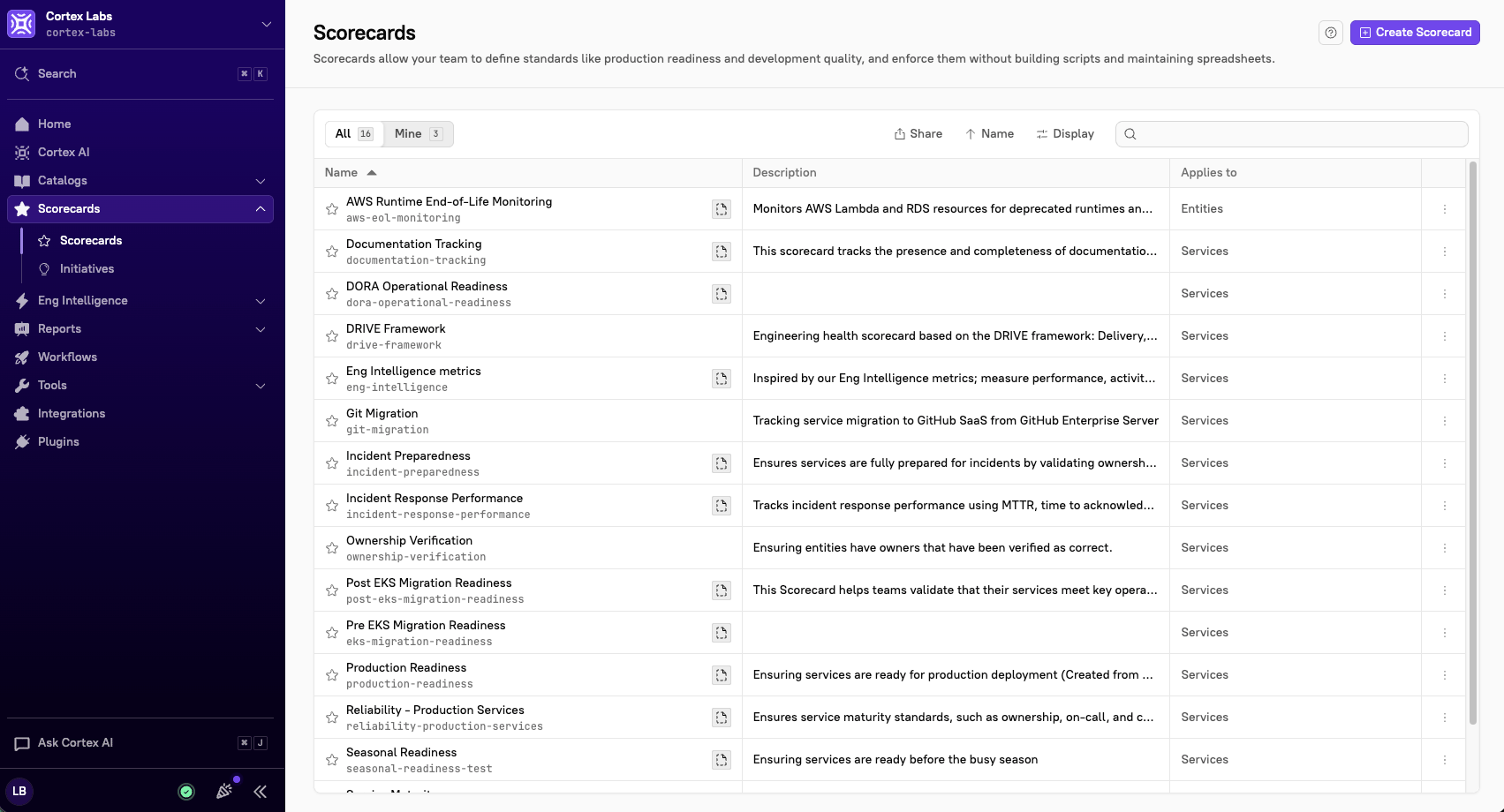
The anatomy of a Scorecard
Every Scorecard is built from four pieces. Entities - The things being measured. A Scorecard applies to a set of entities you define by entity type, and you can narrow that set further with groups or a CQL expression. A production readiness Scorecard might apply only to tier 1 services; an AI maturity Scorecard might apply to every service you have. Rules - A single, checkable statement about an entity: it has an owner, it has a runbook, its P50 latency is under two seconds, it has no critical vulnerabilities. Each rule either passes or fails for each entity. Rules can read an entity’s metadata inside Cortex or pull live data from your integrations. Levels or points - How you express progress. Levels group rules into ordered tiers (Bronze, Silver, Gold) so teams know what to do first. Points assign a weight to each rule so more important work counts for more. See Choosing levels or points An evaluation window - How often Cortex rechecks every rule against every entity. The default is every four (4) hours. Because scores refresh on their own, a Scorecard is a live signal, not a snapshot someone needs to update.Understanding Scorecard rules
A rule is where a vague standard becomes a specific, testable claim. “Services should be observable” isn’t a rule, but “The entity has a Datadog monitor” attached is. Getting there is the real work of building a Scorecard, and it’s usually worth doing in the open with the teams being measured. Two things make it easier:- The form builder offers pre-configured rules for each integration you’ve set up, so most common checks are a couple of selections.
- The CQL editor lets you write the rule yourself in Cortex Query Language, which is what you’ll reach for when a rule spans multiple data sources or encodes something specific to your organization.
- A failure message turns a red mark into a next step. Without one, a failing rule tells a developer they’re wrong but not what to do; with one, it can link straight to a runbook or a Workflow that fixes the problem.
- A scheduled start date lets you announce a rule before it counts, so teams see what’s coming instead of waking up to a lower score.
- A rule filter restricts a rule to certain groups, for cases where a rule is right for most of the Scorecard’s entities but not all of them. See Scorecard rule filters
- An exemption removes a rule from a specific entity. Exempted entities aren’t marked passing or failing; the rule simply doesn’t apply. See Scorecard rule exemptions
Choosing levels or points
Levels and points answer different questions. Levels answer “what should this team do next?” An entity reaches a level only after passing every rule in it and below, so put non-negotiables first. Good for maturity models, onboarding, and production readiness. A rule can’t repeat across levels, but the bar can rise: P50 latency under five (5) seconds at Bronze, under two (2) at Gold. Points answer “how much does each of these things matter?” Every rule carries a weight, and an entity’s score is the sum of what it passes. Nothing is gated behind anything else. Points suit checks that are genuinely independent, or where you want to reward going beyond the minimum: one point for a runbook, another point for more than one. You can use both in a single Scorecard—points within levels—to signal priority order and relative weight at the same time.Scorecards, Initiatives, and Reports
Scorecards measure. On their own, they don’t create urgency, and they don’t tell a story to leadership. Three other features cover that ground. Initiatives add a deadline. A Scorecard says “services should have a runbook”; an Initiative says “every tier 1 service needs one by September 30, and Cortex will remind owners as that date approaches.” If a goal is urgent or has a fixed date, that’s an Initiative on top of a Scorecard, not a Scorecard on its own. Reports roll scores up. A Bird’s eye report, Progress report, or Report card turns per-entity results into something you can bring to a review without exporting anything. Eng Intelligence explains patterns. When a Scorecard shows a team consistently behind, Eng Intelligence dashboards help you see whether the cause is workload, process, or something else. There’s also a loop back to automation: a rule that a lot of teams fail the same way is usually a process problem, not a discipline problem. That’s a good candidate for a Workflow that makes the right thing the easy thing. Watch how Scorecards, Initiatives, and Reports work together to drive business goals:How teams use Scorecards
1
DefineDecide which entities are in scope, write the rules, and choose levels or points. Start with a template if one is close to what you need, and keep the Scorecard in draft while you shape it.Learn more: Create a Scorecard
2
AssessPublish it and let Cortex evaluate. The first results tell you where things actually stand. Read them for patterns as much as for individual failures, e.g. whether legacy services lag, whether one team owns more than its share, or whether a rule fails so widely that the rule itself is the problem.Learn more: Review and evaluate a Scorecard
3
Take actionFix the highest-impact failures, attach deadlines to the urgent ones with Initiatives, and automate the standards teams keep missing. Scores update on their own, so progress shows up without anyone reporting it.Learn more: Take action on a Scorecard
Designing a Scorecard people take seriously
A few things separate Scorecards that change behavior from Scorecards teams learn to ignore.- Start smaller than feels right. A Scorecard with 40 rules on day one reads as an indictment. A first level of five rules everyone agrees with earns the credibility to add more.
- Make every rule fixable. If a developer can’t tell what to do from the rule and its failure message, the rule is a complaint, not a standard.
- Write rules with the teams being measured, not for them. Standards imposed from outside get exemption requests; standards teams helped write get followed.
- Let some things not apply. Use filters and exemptions rather than accepting permanent failures. Rules that can never pass teach people that red is normal.
- Recognize the wins. Teams at the top level did real work. Saying so publicly does more for adoption than another rule.
Building Scorecards in the UI or as code
You can build and edit Scorecards directly in the Cortex UI, which makes it easy to start, iterate, and involve teammates who don’t need deep context. If you’d rather manage standards in version control, Scorecards as code supports a GitOps approach, and you can also manage Scorecards through the Cortex API.The two aren’t exclusive. Plenty of teams draft in the UI and move to code once a Scorecard stabilizes.
Next steps
- Create a Scorecard - Step-by-step instructions for building, editing, and publishing a Scorecard.
- Review and evaluate Scorecards - How to read results, understand failures, and remediate them.
- Scorecard examples - Common use cases and how other organizations motivate their teams.
- Scorecards as code - Manage Scorecards through GitOps.
- Scorecard settings - Workspace-level Scorecard settings and rule exemptions, configurable by admins under Settings > Scorecards.