Use this report to answer questions such as: How are we progressing as an organization? Where are our biggest risks? How do we prioritize platform or compliance work?
Using the Executive report
Generate an Executive report
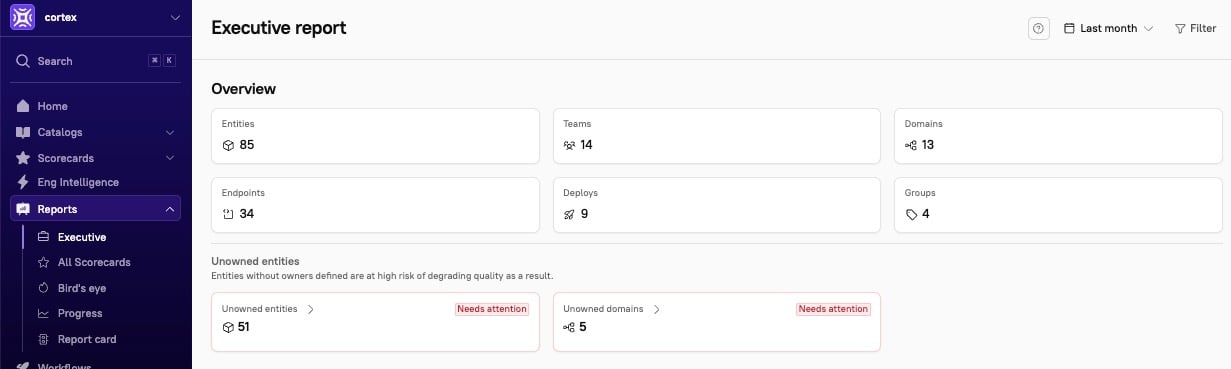
A report is automatically generated when you navigate to Reports > Executive. By default, the timeframe is set to the last month, but you can choose a different timeframe.Report overview
The report’s Overview section provides key stats. Click into any of these tiles in the report to view more information:- The total number of entities
- The number of teams and number of domains
-
The number of endpoints
- This count helps you better understand the network of your dependencies.
-
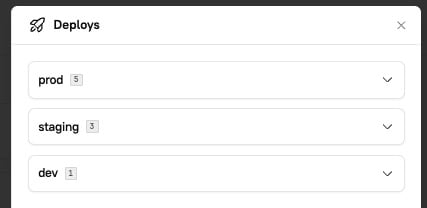
The number of deploys
- The number of groups
-
The number of unowned entities
- These will display as red when at least one unowned entity exists in your catalog.
Filter the report
While the Executive Report provides a view of your whole organization by default, you have the ability to filter by Teams or Departments. Click Filter in the upper right corner of the page. By default, the data is displayed for the last month. To change the timeframe, click Last month in the upper right corner and select a new range.Scorecards section
Scorecards overview tab
The Scorecards section gives you a snapshot of the average scores for your organization’s active Scorecards, and Scorecards progress shows you how scores have improved over time.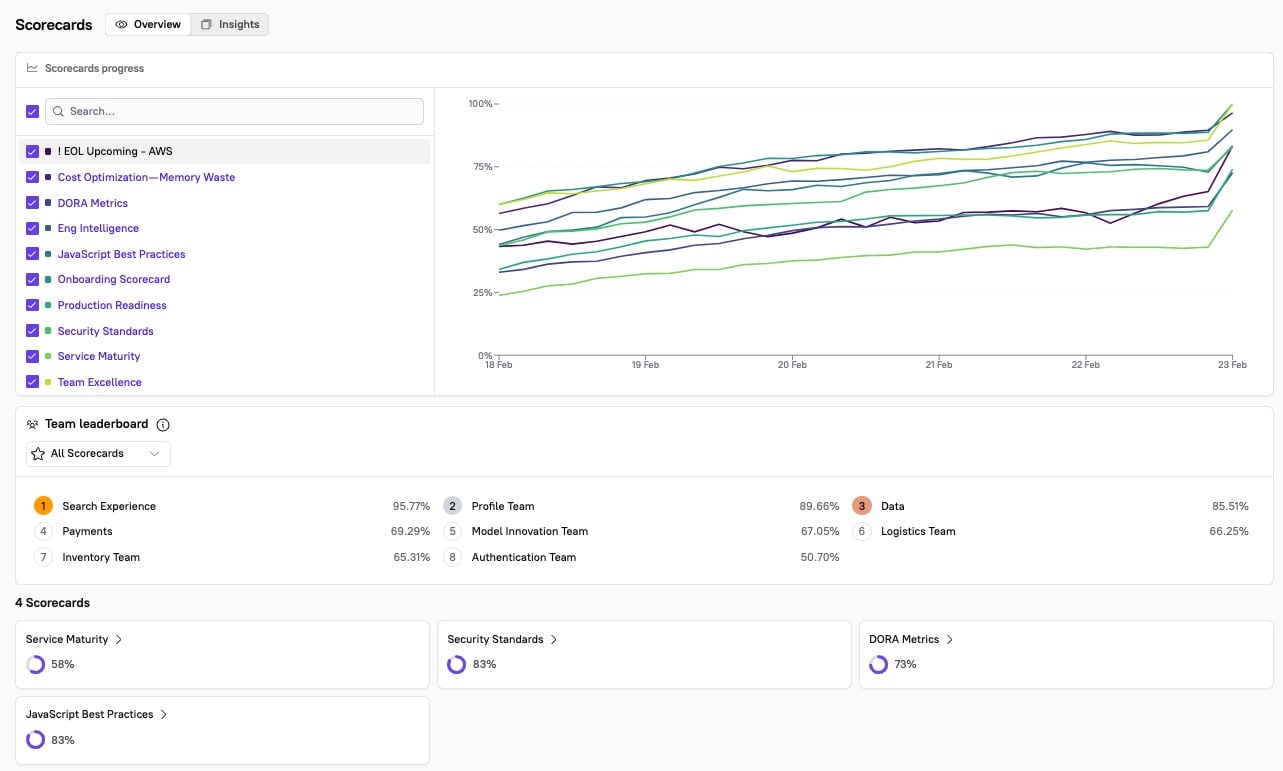
Scorecards Insights tab
In the Insights tab, see the top-performing entities and the most at-risk entities per Scorecard: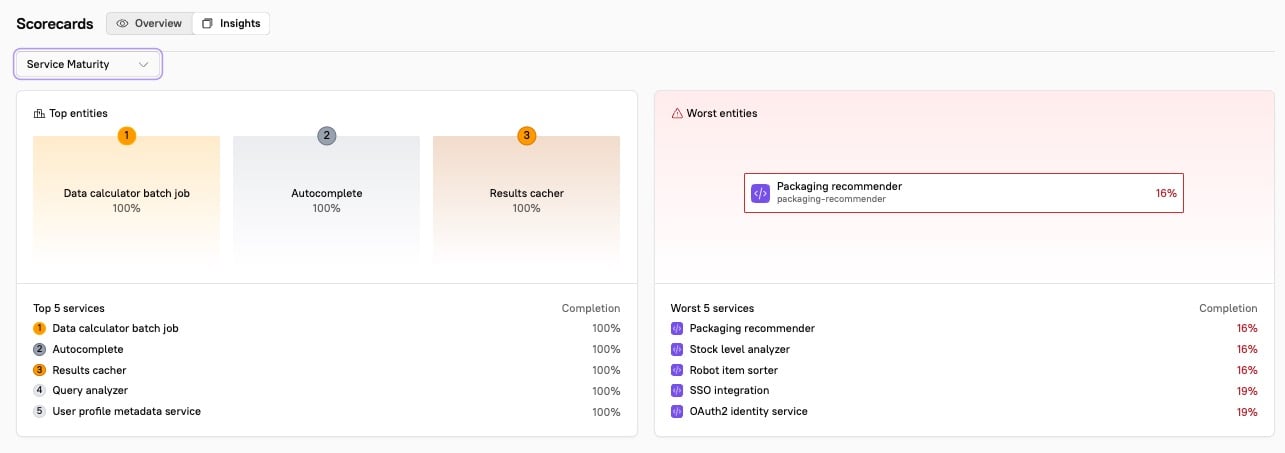
Deploys section
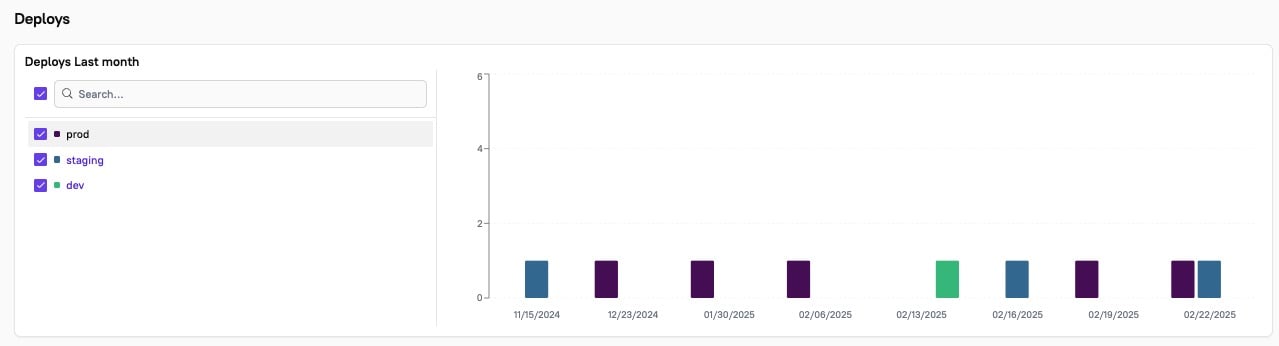
Under Deploys, you can track the number of deploys over time. By default, this will evaluate All deploys, but you can unselect specific deploy groups, such as production, staging, and development.